
Adobe Firefly in autumn 2025 – what’s new and what’s coming
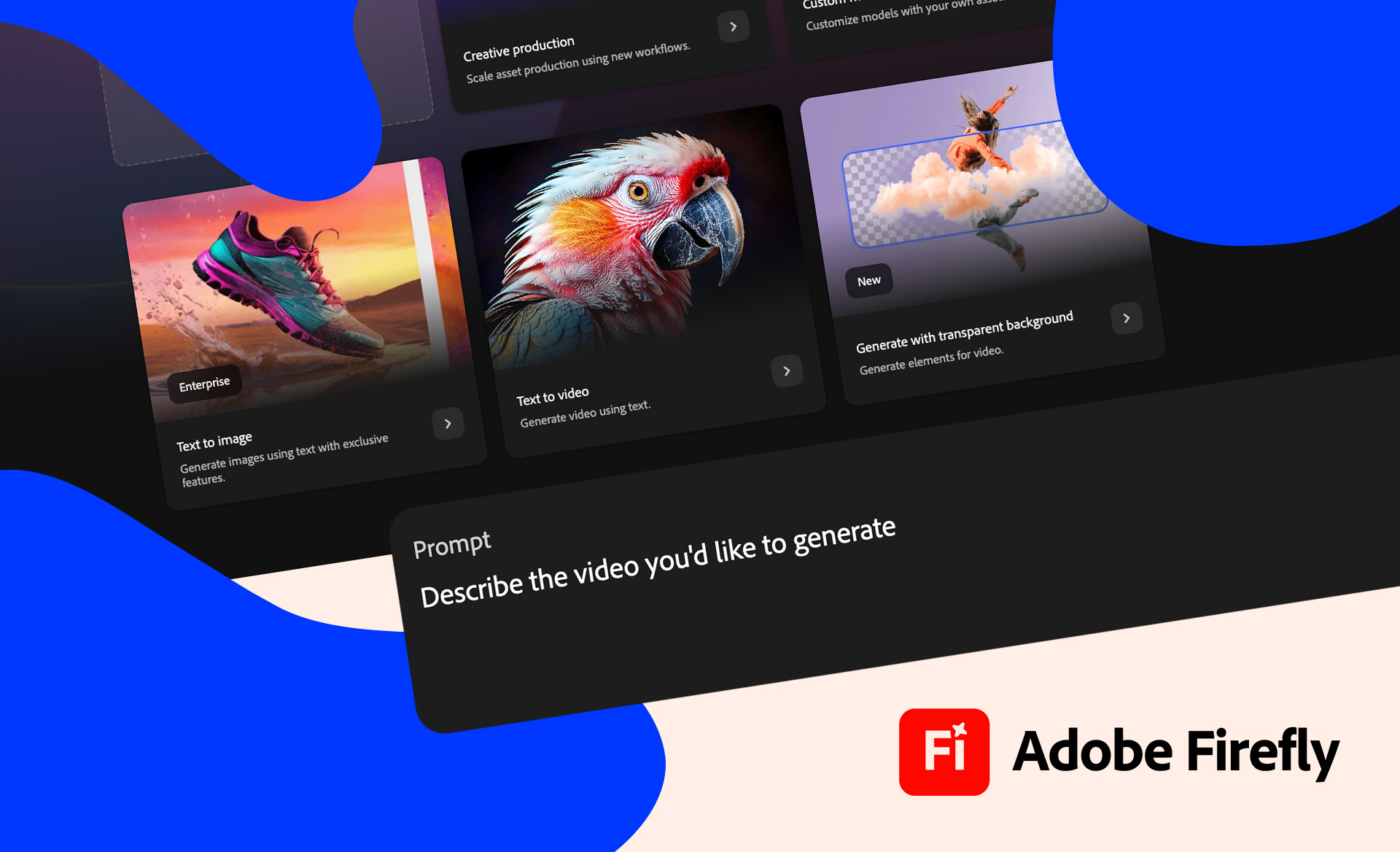
Adobe Firefly speeds up everyday tasks
Adobe Firefly is Adobe’s own generative AI platform designed to support creative work. It can be used to produce images, video, audio, graphics and text.
Firefly works in the browser, but nowadays the tool is also integrated into Creative Cloud applications such as Photoshop or Premiere. This is how AI has been brought in to make everyday life easier.
“One of the most typical needs is to remove something from an image, or to extend the image from the edges to a larger size to add more content. With Firefly, it’s done in seconds directly in Photoshop. So it makes image processing much faster and easier. Firefly also makes it easy to extend an image directly in InDesign,” says Anssi Lausmaa, Product Manager at Aste.
The latest Firefly Image 4 is a fast tool for producing simple, high-quality content. It works best for generating landscapes, abstract background images and single objects, but also works well for animals and people.
Read also: AI for creative work: how we use AI tools
New in Adobe Firefly in autumn 2025
In 2025, Adobe Firefly’s tool library will have expanded from simply generating images to include video, sound effects and speech translation. Below are some highlights of the new features.
1. Better video generation
Today, there are two ways to generate videos:
- Text to Video, or Text Prompt
- Image to Video, i.e. by providing a reference image from which Firefly generates a video
It’s also easier to manage generation: for example, you can use the edge and depth information in the reference, choose from predefined style options and fine-tune text prompts more precisely. In addition, videos have a more natural look and smoother transitions.
2. Resume video and audio track
Generative Extend allows new footage to be created at the beginning or end of a video using AI. Videos can be extended directly in Premiere with a few clicks. The audio track can also be extended.
3. From sketch to finished 3D image
View to Image (Project Neo) converts simple graphics, illustrations and geometric shapes into images. So all you need is a simple 3D sketch, and the AI will create a finished image based on your instructions. This makes it easier to brainstorm, especially during the design phase, when you want to quickly test visual ideas.
4. Generating sound effects
Text to Sound Effects allows you to generate sound effects from a plain text prompt.
5. Changing the language spoken in the video
Firefly’s Translate Video and Translate Audio tools can be used to translate the language spoken in a video or audio file. So far, 15 languages are available – Finnish is still missing, but may be available later.
6. New tools in Illustrator: generating, editing and extending vector graphics
Text to Vector Graphic tool allows you to create new vector graphics in svg format by prompting. Text to Pattern tool, on the other hand, allows you to create endless patterns.
The design is also facilitated by Generative Recolor, Generative Shape Fill and Generative Expand.
7. Firefly Boards – a shared space for brainstorming
Firefly Boards is Adobe’s new creative platform for collaborative ideation. It allows teams to gather, design and generate visual ideas on the same virtual desktop.
Mood boards can be supplemented with images, videos and graphics produced by Firefly directly in the browser or on mobile. Firefly Boards makes creative design more inclusive – everyone can make their ideas visible in real time.
8. Coming soon: blending an object into the background and increasing resolution
The latest version of Photoshop, to be released at the end of 2025, will include two highly anticipated Firefly tools:
With the Harmonize function, objects can be added to images so that they blend seamlessly with any background.
Generative Upscale tool, on the other hand, can be used to enlarge images while maintaining the highest possible quality.
9. New opportunities with external AI models
Over the past year, Adobe has expanded its network of partners. Other generative AI models such as Nano Banana, Flux and GPT Image can now be used within Firefly.
Read more: The ABC of prompting in spring 2025 – A Starter Guide
What to expect in 2026 and beyond?
Firefly-based API and service models (Firefly Services / Custom Models)
Adobe is increasingly investing in generative API tools for enterprises to integrate Firefly features directly into production workflows (e.g. automatic reassembly, content management).
Companies can create their own customized Firefly templates based on their brand, styles and materials – alongside the public version.
More in-depth Creative Cloud integrations
New AI features will be integrated into Premiere Pro, After Effects and other Creative Cloud applications, seamlessly merging generation and editing.
Scalability, etiquette and transparency
Adobe will continue to emphasise the “commercially safe” principle, i.e. that user material will not be used to train models without permission.
In addition, Firefly-generated content comes with Content Credentials metadata, which shows which template was used and how the content was generated.
Read more: An experimental culture – Why is it important and how to foster it?
Text by Maija Vaara, Aste Helsinki
Interested in discussing more or expanding our cooperation?