Automated layout saves time and improves quality

Folding automation – where it can be useful
A colourful catalogue of offers in the shopping centre, with a huge amount of products, information, pictures and prices on each page, pops through the letterbox. Creating such a catalogue often requires a lot of manual work, gathering the necessary information from different sources, editing it to the right format and adding it one by one.
“The process is often very slow and cumbersome, and human error can easily occur. All this, of course, affects costs,” says Arja Karjula, Product Manager at Aste, describing the non-automated folding process.
Add-ons such as EasyCatalog help to better automate the work.
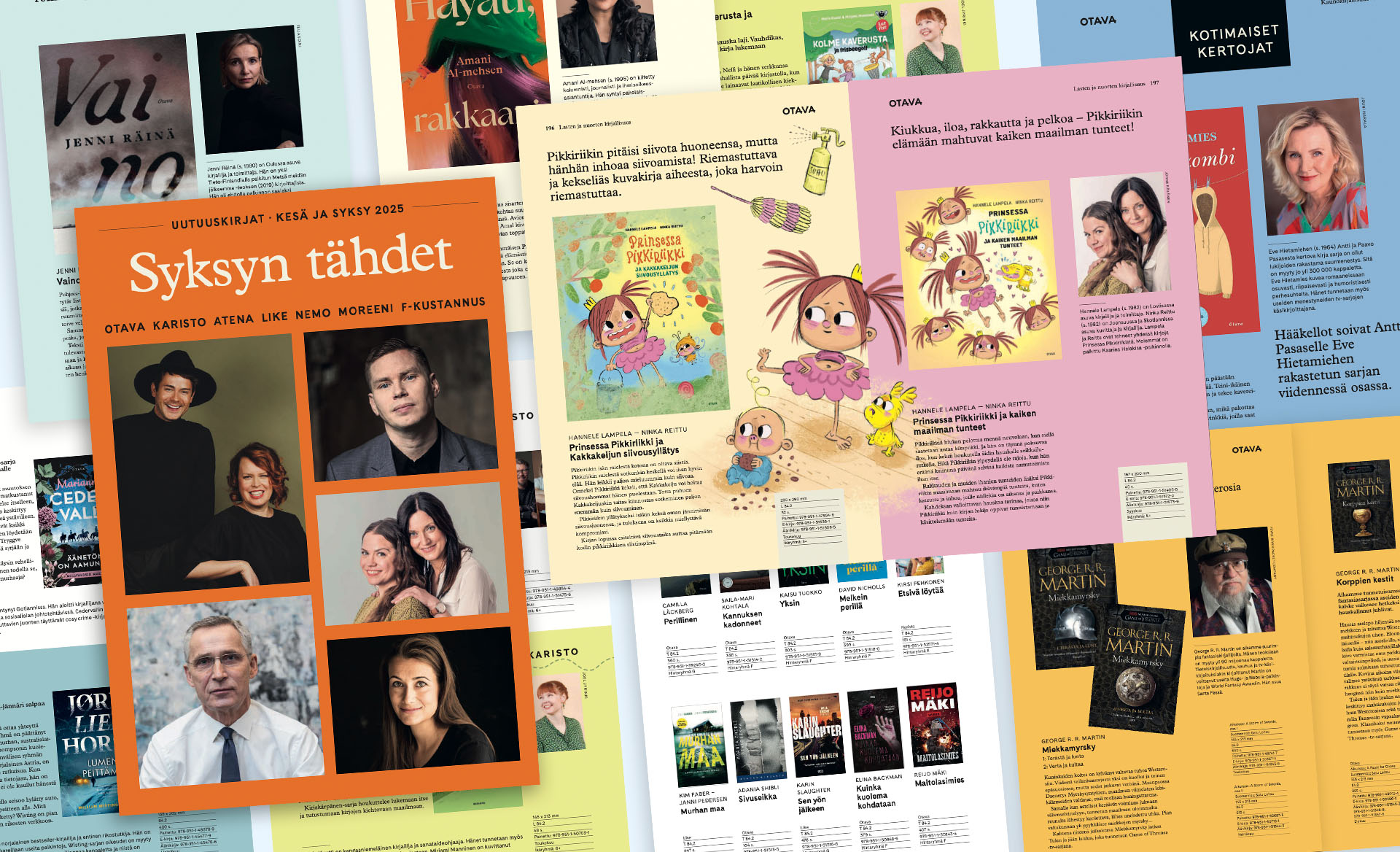
Automation of the layout means that, for example, product information, prices and images in the catalogue are automatically transferred from the source system (e.g. an Excel spreadsheet) to the layout software(InDesign). This significantly reduces – and in the best case eliminates – manual work, leaving more time for creative design, for example.
“With automation, you can even achieve a completely finished fold. It always depends on the visual design of the final product, for example, the visual design of the catalogue and the quality of the source data,” says Karjula.
Examples of materials where automated folding can be useful:
- price lists
- catalogues
- advertisements (e.g. weekly offer)
- menus
- business cards and name tags
- technical product information
- multilingual publications
- labels and packaging
Read also: An effective marketing process – What it means in practice
What does EasyCatalog do?
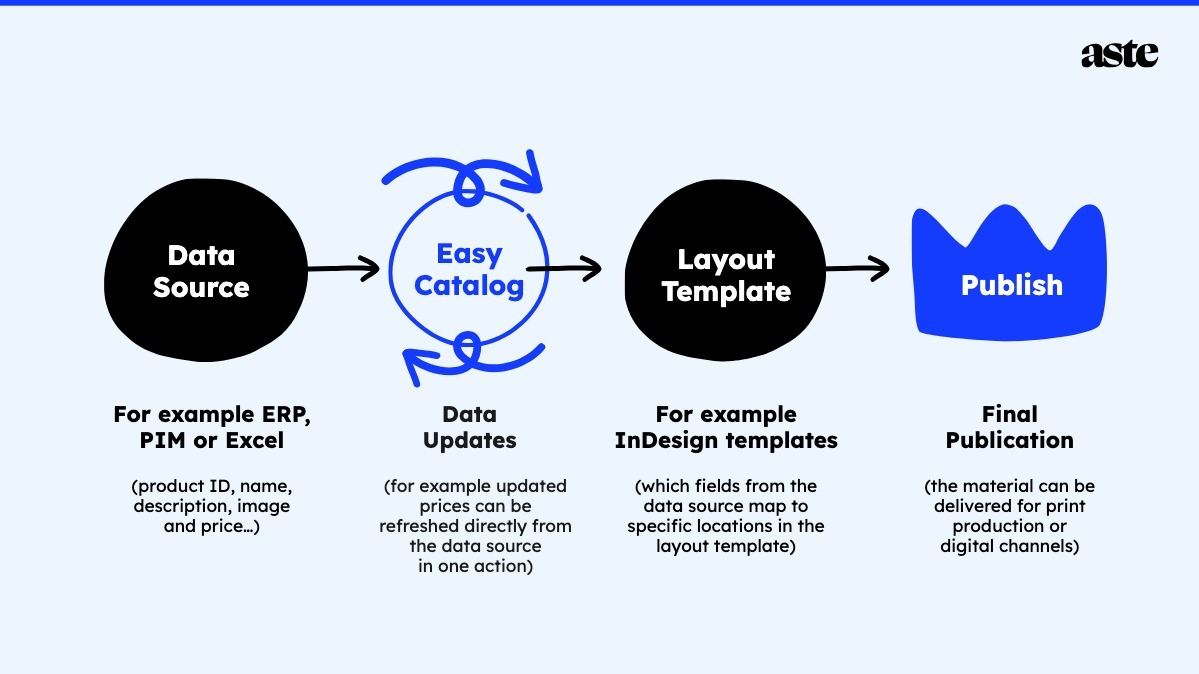
EasyCatalog acts as a bridge between the company’s databases or spreadsheet data and the folding program. It allows you to link data directly from a source (e.g. ERP, PIM, DAM or Excel) to InDesign folding.
How EasyCatalog works in practice
- Data source
The data needed for the data set is collected in a database, which can be a simple Excel spreadsheet or a more extensive PIM. The data includes product number, name, description, image and price.
- Folding base and specification
For InDesign folding, predefined page templates are designed and EasyCatalog is used to define which fields from the data source link to which place in the folding template. Data can be imported from one or more data sources.
It is important to consider the format and regularity of the data when designing the base, but the visual appearance does not have to be boring.
“Folding bases can be quite complex, as long as you can extract rules from the data.”
- Updating
When the source data changes, the information is updated in the folding database with the click of a button. When updates are made directly to the source data instead of to the fold, they will then float to other channels or subsequent publications.
- Published on
The finished material can be sent to print or published on a digital channel.
5 benefits of automating your folding
Folding automation makes heavy production processes easier and faster – which, of course, translates into costs. Even if you can’t fully automate the whole job from start to finish, you still get benefits.
“You can use automation just to import data, even if the rest is still done manually. In the best case, the design is such that when the data is floating into the fold, the material is completely or at least almost ready for printing,” says Arja Karjula.
1. Saves time and makes everyday life easier
Manual and repetitive copy-paste work is reduced. It streamlines the production process and allows flexibility in marketing by reducing the time needed to produce the material.
2. Fewer errors
When data is automatically transferred from source to final fold, human copying errors are eliminated.
3. Lower costs
The time spent on manual work and correcting errors is reduced, which of course also reduces costs.
4. A unified look
All materials remain consistent with the brand and quality remains consistent.
5. Facilitates multi-channel production
Rarely is there any single printed material produced these days, but the same catalogue products are available online, in social media ads and on digital displays in brick-and-mortar stores. With all product information floating across channels from the same source, it is guaranteed to stay up-to-date and any updates need only be made in one place.
So now, at the latest, is the time to start thinking about the marketing process in a new way. It all starts with a functioning database, quality source data and keeping it up to date. Combine this with automation-optimised creative design, marketing concepts and folders, and you have the makings of a smooth and efficient modern marketing process.
Also read: Get your message seen and heard across multiple channels in a cost-effective way – Here’s how
Text by Maija Vaara, Aste Helsinki
Interested in discussing more or expanding our cooperation?